Metrognome
HOW TO PLAY
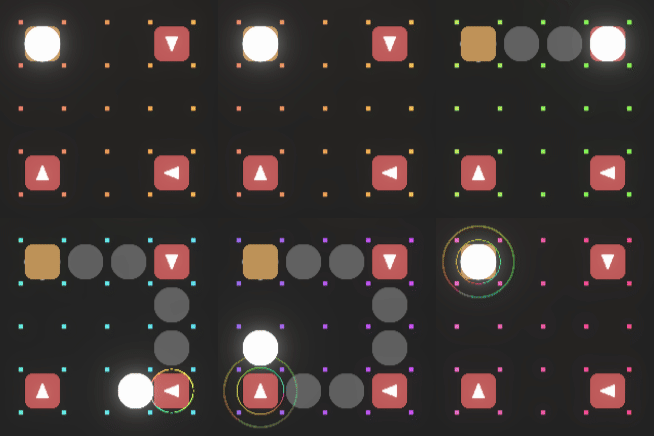 | Your loop begins and ends at the same spot on the grid. |
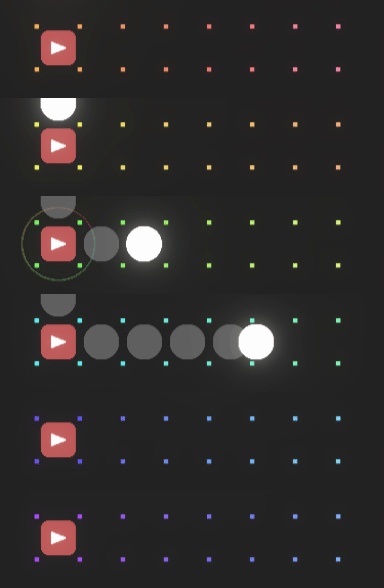 | RED blocks go fast. |
 | BLUE blocks go faster. |
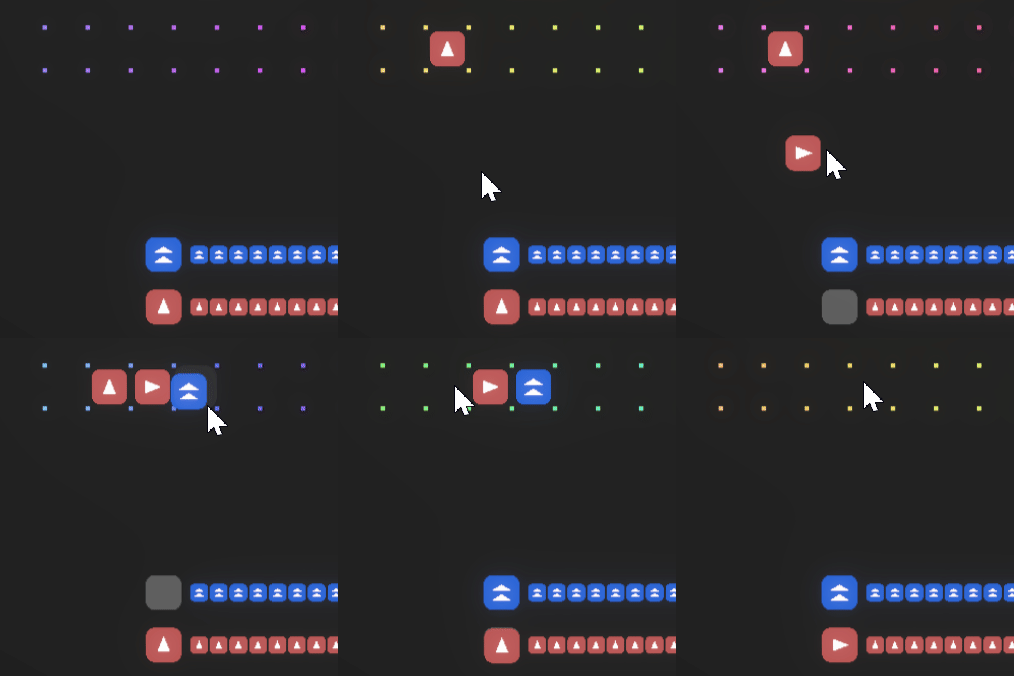 | Drag, drop and rearrange blocks onto the grid with LEFT MOUSE. |
----------------------------------------
Make your own music loop with blocks.
- Drag and drop blocks onto the grid
Each block represents one beat and carries: a. Movement Direction – Which way the beat travels (↑ ↓ ← → ○ for wait). b. Speed – The beat’s subdivision (e.g., quarter note, eighth note).
- Build a Loop
Loops repeat continuously. The path formed by the blocks becomes your musical phrase. Speed affects how fast each block is triggered in the loop.
----------------------------------------
 | This lil guy was supposed to be in the game, but oh well. |
Comments
Log in with itch.io to leave a comment.
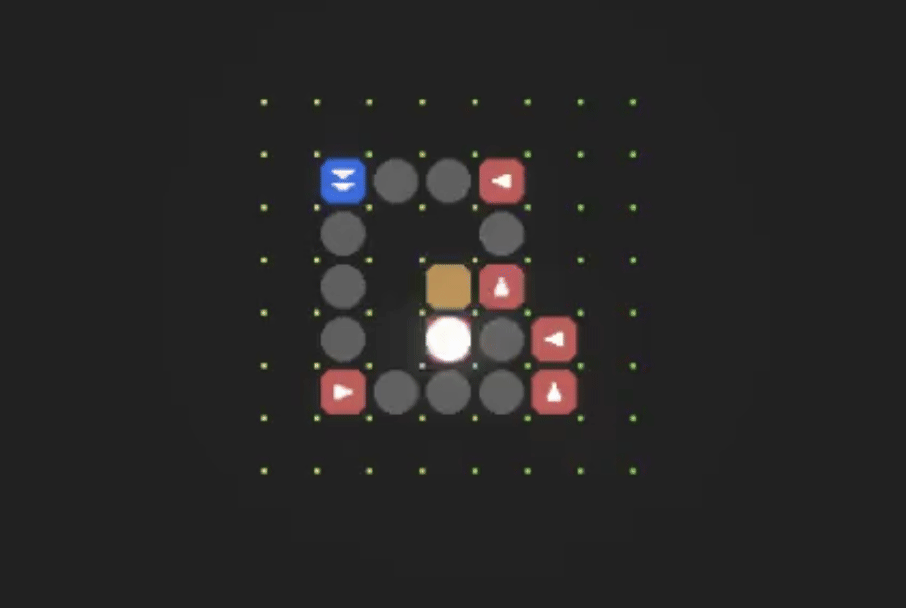
Here are some working grid layouts that achieve the perfect loop!
I can't get the rotation working unfortunately
It seems fun and the music is very nice, but I couldn't figure out exactly what I'm supposed to do.
Fun puzzle with an attractive minimal style! Liked how the additional background tracks really elevate the notes.
Q and E to rotate. I made a loop but I cant go to the next level. Looks pretty though! If you drag the small cubes you softlock yourself.